

Boone and Crockett Trivia
Kahoot trivia quizzes are a great way to get classrooms and group events participating and learning in a creative way! Individuals will compete in trivia games using their phones as controllers to test their knowledge about various conservation education topics… check out the trivia sets below and make sure to check back regularly for newly released content!
How to play!
- Pick your quiz topic below.
- Connect your computer to a projector in front of the room if you wish. If you're not in a classroom, but want to play with friends, family, or co-workers, you'll need to designate one device as the “display screen”. You can't play and advance slides on the same device. The display screen device "manages" the game.
- Click Play as a Guest. You can choose to log in, create an account, or continue as guest. It's up to you.
- Now you get to decide on the format, individual or team. If you're not in a classroom, we suggest you turn on the first option, which shows the questions and answers on everyone's device. Once you make your selection KaHoot! will give you a Game PIN to provide to your participants.
- Have participants go to kahoot.it on their phones and enter the game pin shown on the computer screen then enter a display name to be added to the game. The person managing the display screen device will see who logs in on their screen.
- Once everyone is set, the trivia manager hits the Start button to begin the game.
- Participants will then answer the trivia questions displayed on the projector or on their phones and compete for the podium!
FIREARM SAFETY Image

| MONTANA UNGULATES Image

| FURBEARING ANIMALS Image
|
WHAT IS CONSERVATION Image

| LEAVE NO TRACE (LNT) Image
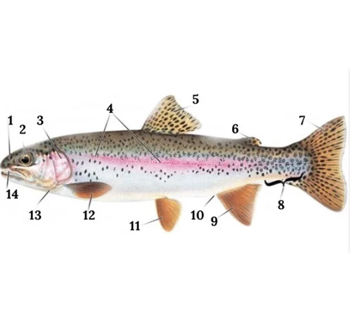
| TROUT ANATOMY Image
|
MONTANA Image
| THEODORE ROOSEVELT MEMORIAL RANCH Image
| WILDLIFE CAUGHT Image
|